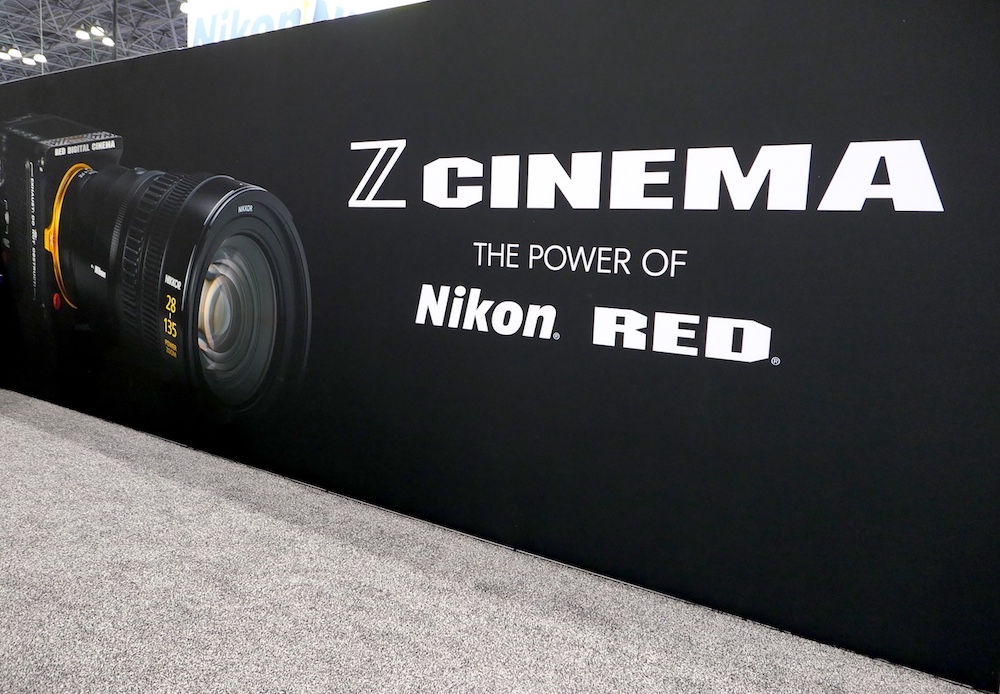
As I already reported, the new Nikon & RED Image Recipes are coming tomorrow – here are the details on what to expect:
Nikon will release nine free RED-inspired “Image Recipes” (essentially baked-in Picture Controls/LUTs) developed in collaboration with RED. They will be available via the Nikon Imaging Cloud for the following cameras:
- Nikon ZR (RED edition)
- Z6 III
- Z50 II
- Z5 II
- ZF (any Nikon camera that supports Nikon Imaging Cloud)
These recipes faithfully emulate popular RED LUTs and are applied in-camera when shooting video (or stills) in H.265/H.264 or ProRes. They give you a fully baked-in cinematic look straight out of the camera — perfect for fast turnaround or delivering non-Log/RAW footage to clients.
The nine available Nikon & RED Image Recipes are:
- R1_CineBias – Clean, cool, soft cinematic base look
- R2_CineBias-T – Cool Atmosphere (moody teal-green vibe)
- R3_CineBias-C – Crisp Teal Contrast (dramatic, edgy)
- R4_CineBias-CC – Noir Vibes
- R5_CineBias WC – Grit & Glow
- R6_CineBias-TC – Green Edge Experimental
- R7_CineBiasOffset
- R8_CineBias Achromic (monochrome)
- R9_CineBias BleachBypass
Key notes:
- Found in the Set Picture Control menu as custom profiles
- Only work in SDR tone mode (not with N-Log or HLG)
- Only work with ProRes 422 HQ 10-bit, H.265 10-bit, or H.265 8-bit codecs
- Nikon recommends Active D-Lighting set to “Extra high” or “Extra high 1” for most of them
- They are fully baked-in looks (similar to Sony S-Cinetone; you lose the full flexibility of Log/RAW
- Some colors can be hard to change in post, and there’s no strength/opacity slider
- Z9 is currently not compatible