

Nikon released a new firmware update version 1.9 for the Coolpix P1000 super-zoom camera with a single fix:
- Fixed an issue where, in rare circumstances, the camera would stop responding when adjusting zoom during burst photography.
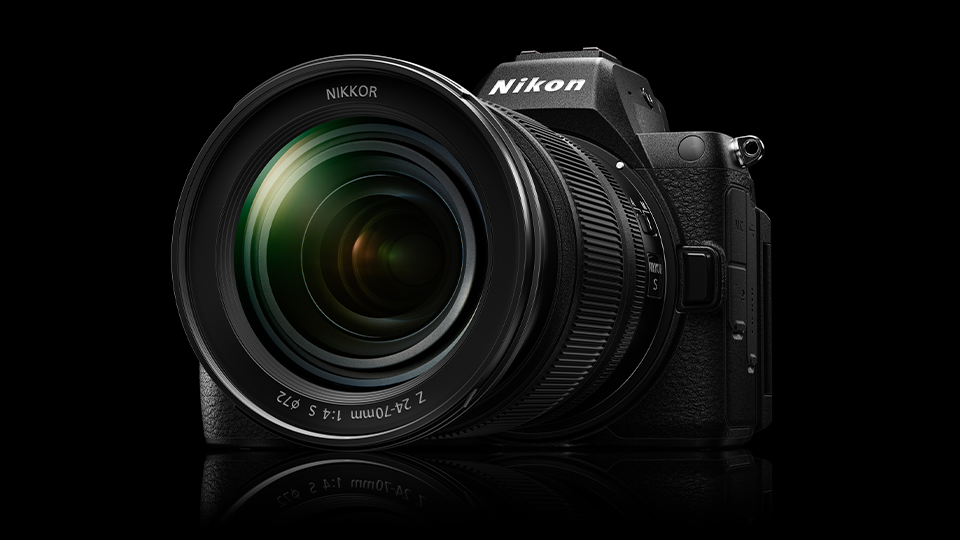
Nikon also released a new firmware update version 1.20 for the Z5II mirrorless full-frame camera with multiple fixes:
Still Photography
- Changed the available shutter speed range for [ISO sensitivity settings] > [Minimum shutter speed] in the [PHOTO SHOOTING MENU].
Still Photography/Video Recording
- Changed the following item names in Picture Controls:
- [Cloud Picture Control] changed to [Imaging Recipe].
- [Add Cloud Picture Control files] under [Set Picture Control] in the photo shooting and video recording menus changed to [Download Imaging Recipes].
Controls
- Added [On saving user settings] to [Save focus position] in the [SETUP MENU].
Displays
- Added [Automatic monitor display switch] to the [SETUP MENU].
Network
- Added [Wi-Fi Always ON] to [Connect to smart device] > [Wi-Fi connection (AP mode)] in the [NETWORK MENU].
- Added [Inactive connection timeout] to [Connect to FTP server] > [Options] in the [NETWORK MENU].
Other Changes
- Aperture is no longer restricted when recording videos in mode S (Shutter-priority auto).