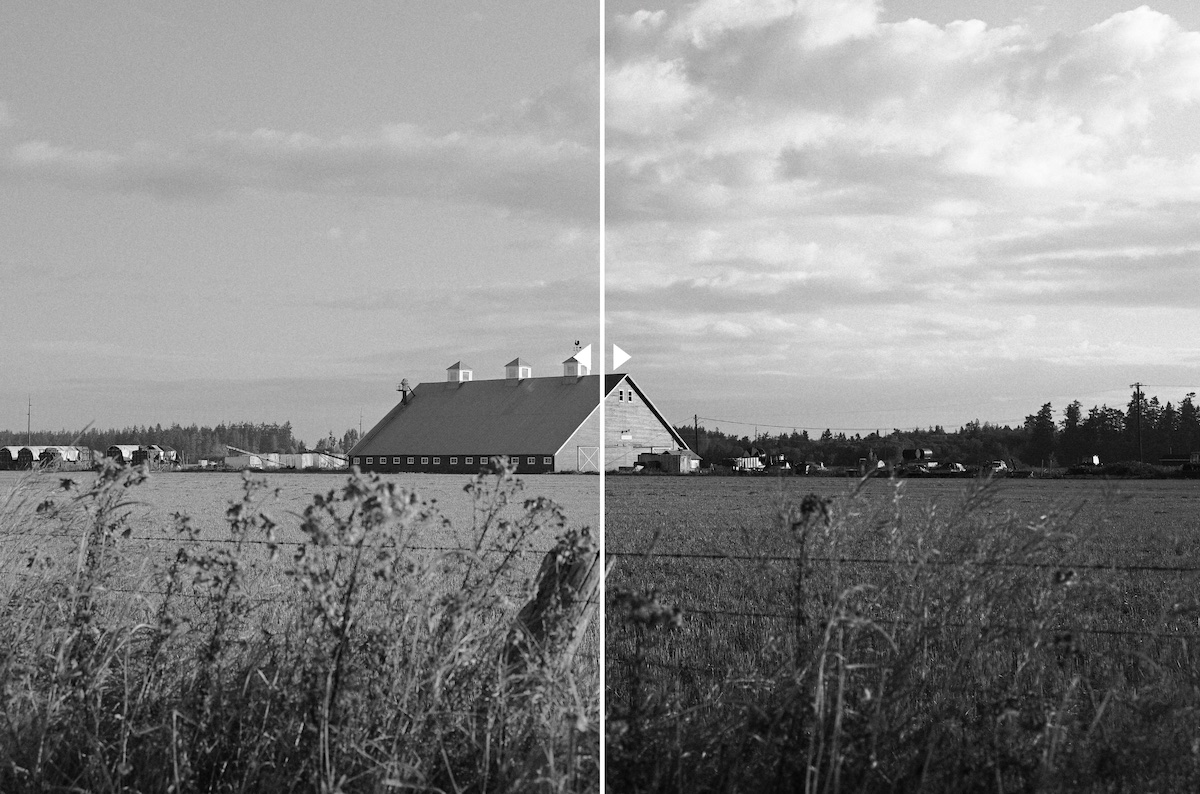
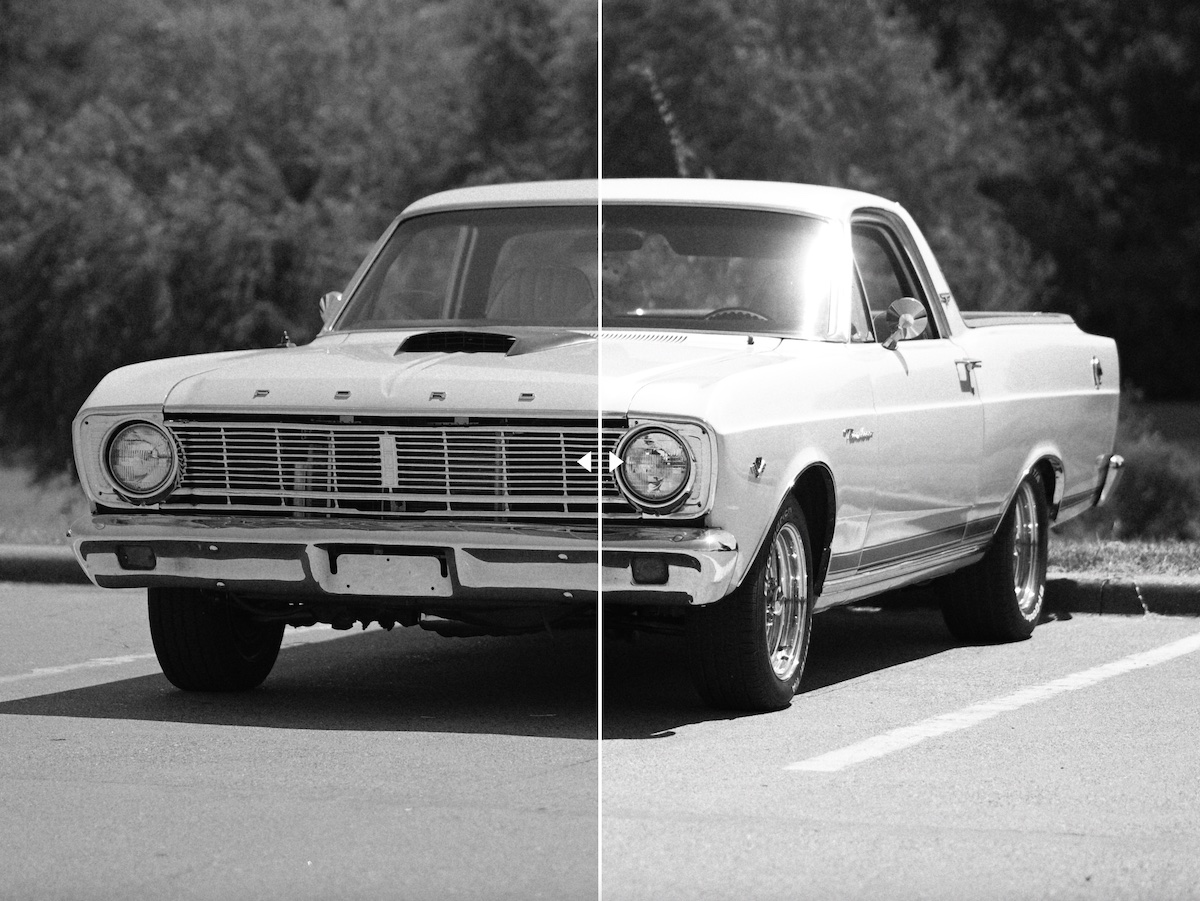
A reader has developed free Nikon Picture Controls for Ilford 400 film recipes. One is a flexible color profile for higher contrast, and the other is a lower contrast that can be applied to any Z camera. You can see the details and the download links on this page:
“Today I am sharing my first Picture Controls for Nikon Z cameras. These were specifically developed to be used on the Nikon Zf alongside the new Film Grain feature that came with firmware 3.0.
Scott’s Ilford 400 comes in three variants, a higher contrast Flexible Color version and lower and mid contrast versions that more closely resemble scanned film. Download them below.
Scott’s Ilford 400: click to download
Scott’s Ilford 400 LO: click to download
Scott’s Ilford 400 MID: click to downloadOnce downloaded, copy the files to your camera’s SD card. Navigate to Camera > Manage Picture Control > Load/Save to get them assigned into custom slots.
I pay attention to 3 settings when using this picture control.
For Ilford 400 and Ilford 400 MID:
- Active D-Lighting – set to Normal, but will move to High if an extremely high contrast scene
- Film Grain – turned ON and set to Medium 2
- Exposure Compensation – usually set at either +1/3 or +2/3 to offset the loss of contrast Active D-Lighting introduces.
For Ilford 400 LO:
- Active D-Lighting – OFF
- Film Grain – turned ON and set to Medium 2
- Exposure Compensation – Set to 0.0
I manually set my White Balance to 10,000K for all black and white picture controls for brighter whites.”
Credit: (Scott Tuckerp | Instagram | YouTube | Facebook).
New RED-supervised Nikon Imaging Recipes coming on December 10th